Graphics & WordPress Together at Last
Welcome to miLOGO a complete graphics plugin that you can use in WordPress to create Logos and other branding for your site. You can now truly do EVERYTHING without leaving WordPress.
Check Out These Great Features
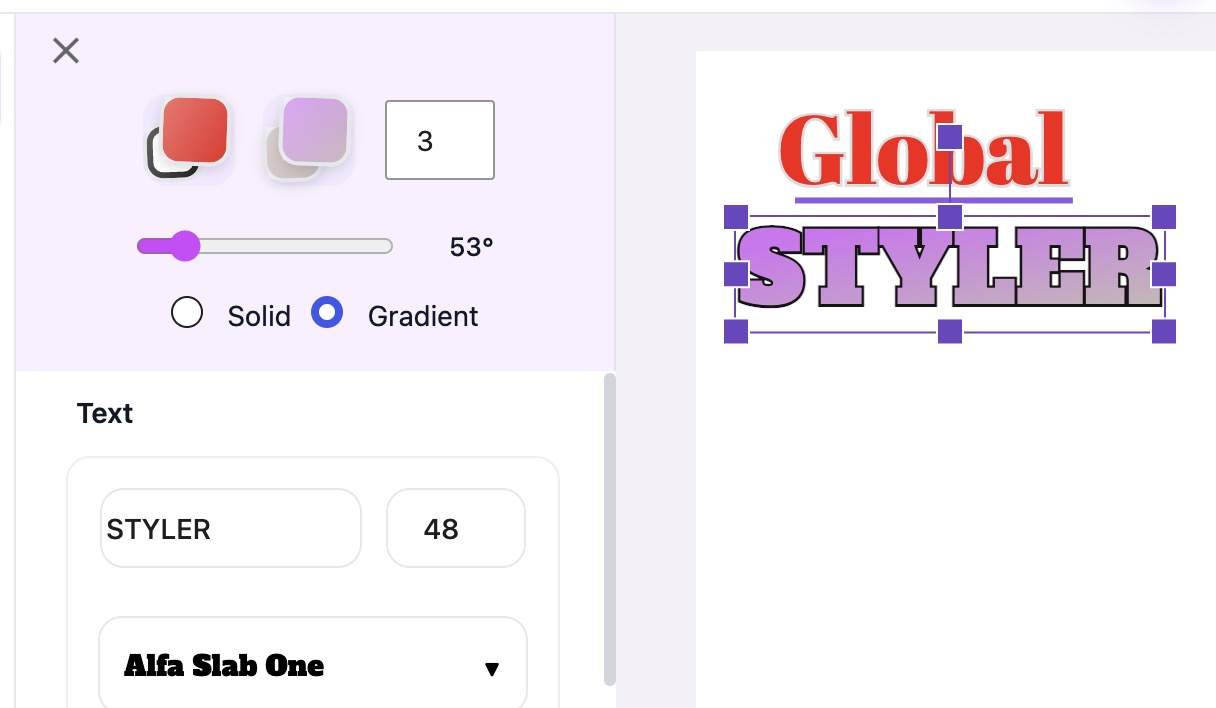
Global Styler
Changing an elements color and style are the most used tools in the plugin. So, we put them in their own box that is ALWAYS visible and easily accessible at the top no matter what tool you are currently using.
miAi Assistant
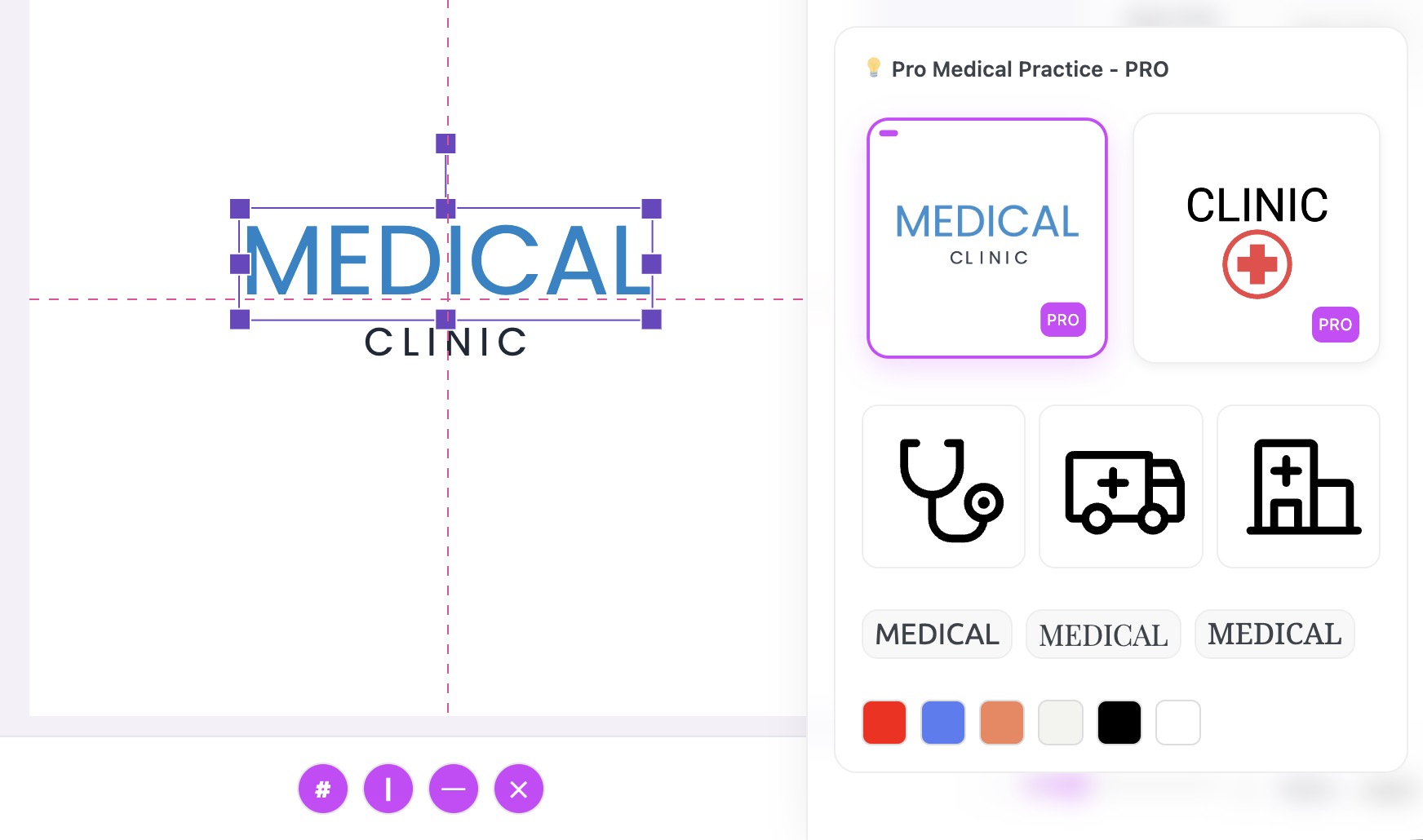
This one will amaze you. One search gets multiple suggestions. Logo Starters, Icons, Font Faces and Color Pallets.
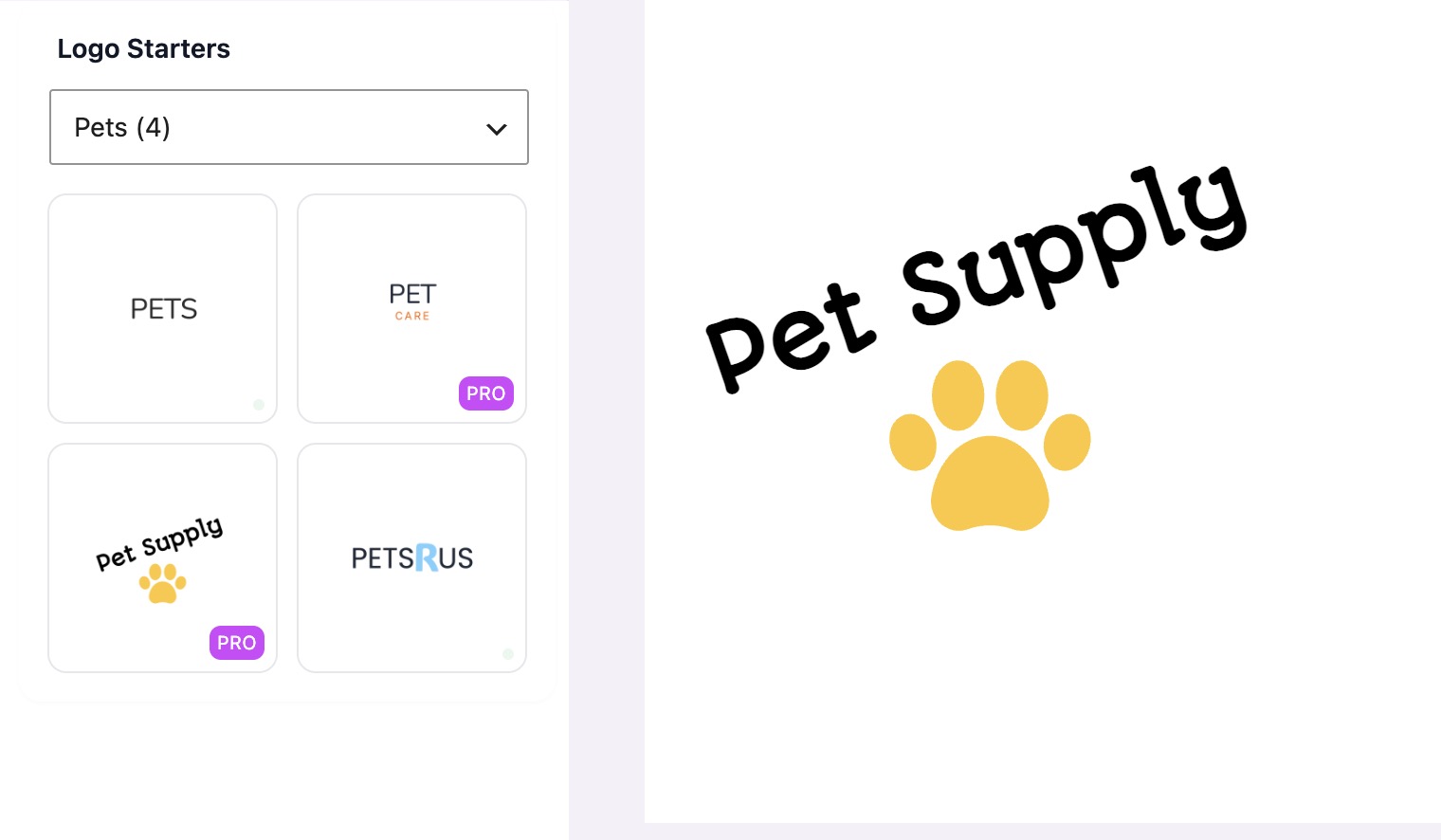
miStarters
Sometimes a simple suggestion is all you need to get started. That is the idea behind our Logo Starters. They are meant to be simple just to get your creative juices flowing.
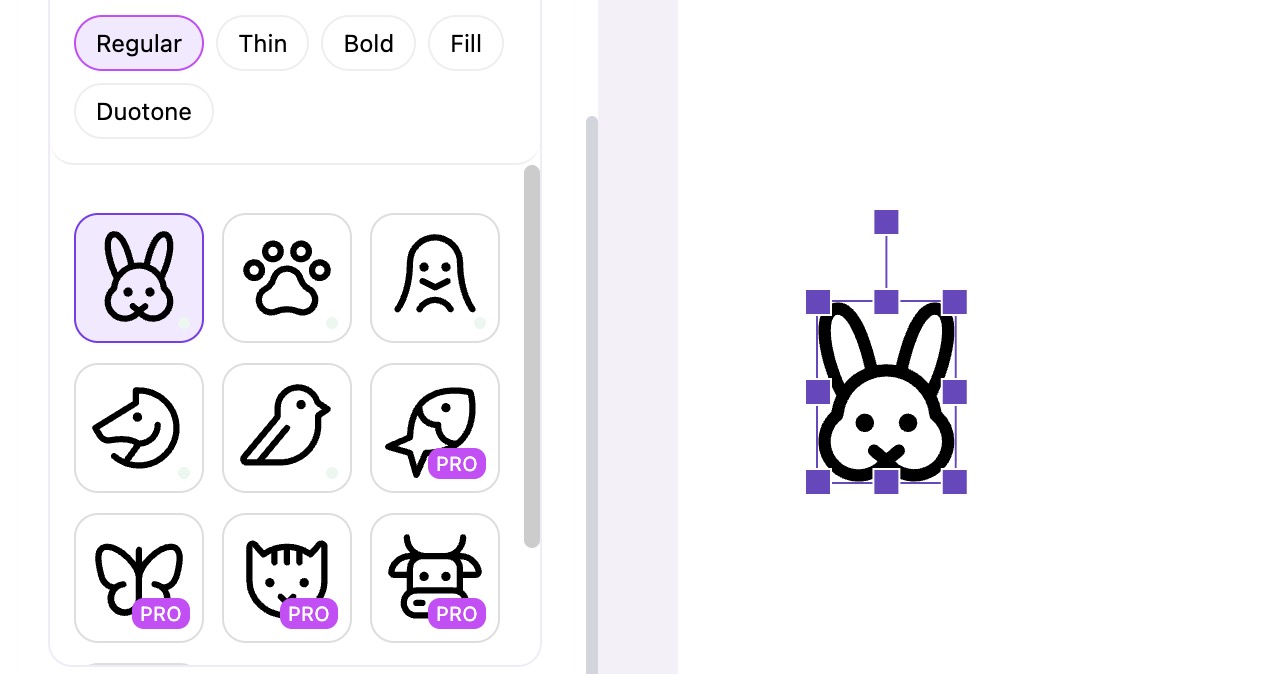
miArt
Why did we name this section "Logo Art" and not "Icons" ? While there are currently only icons here we have big plans for this section so stay tuned for more coming soon.
Text with Google Fonts
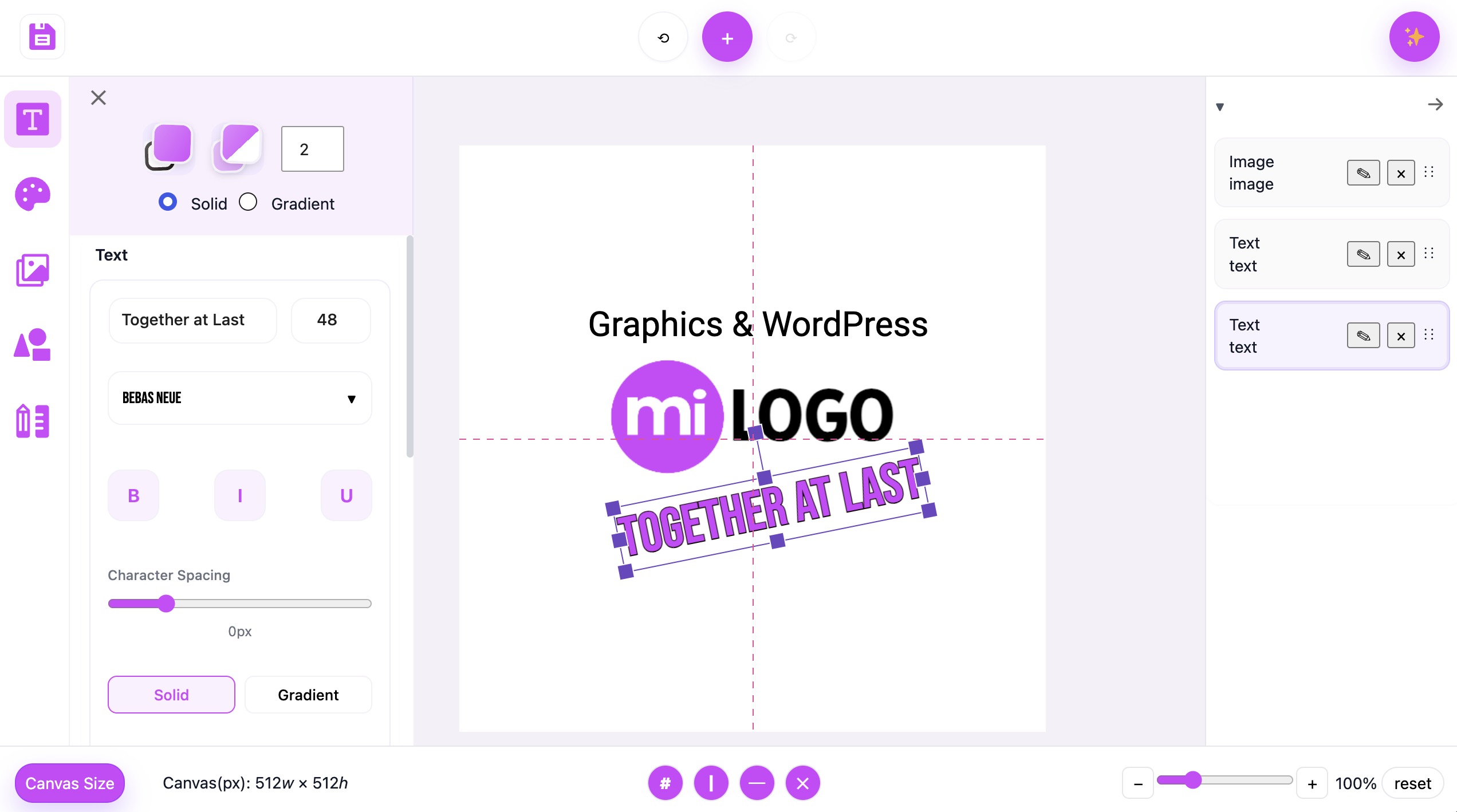
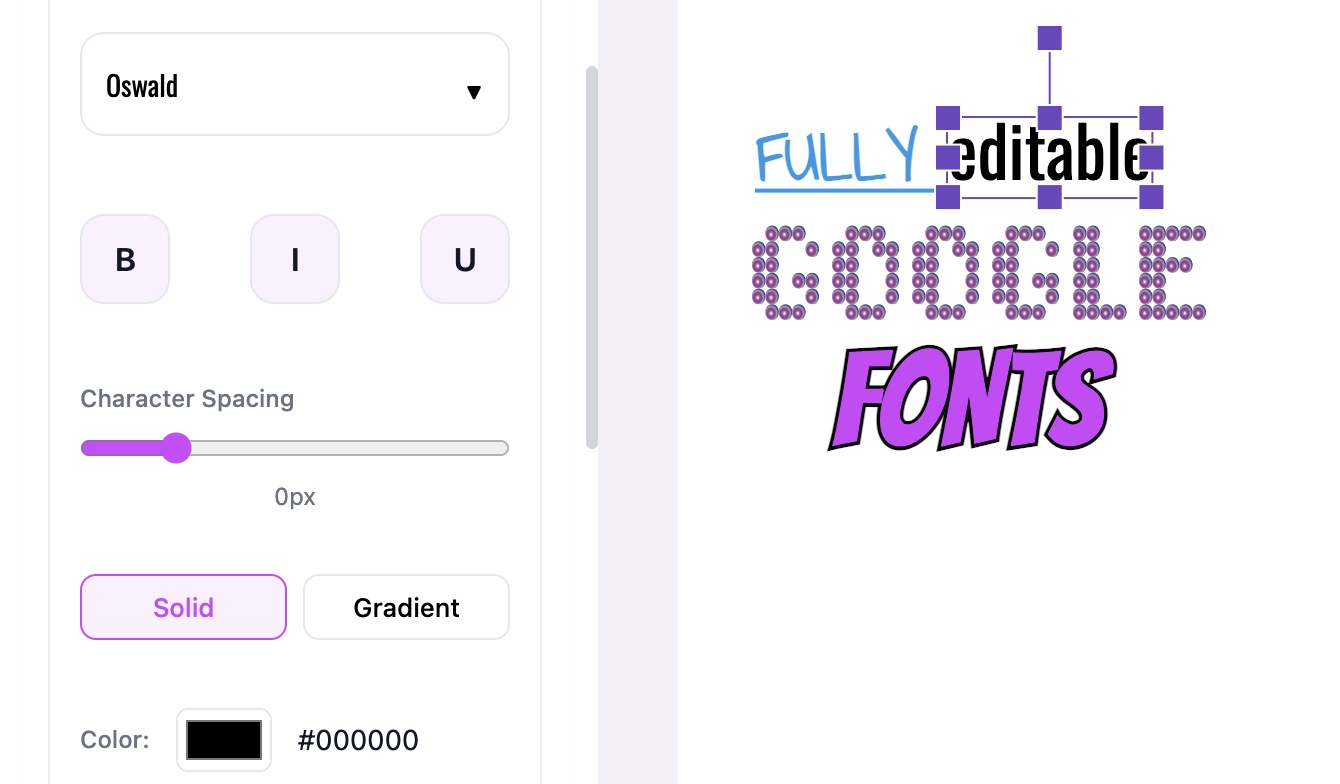
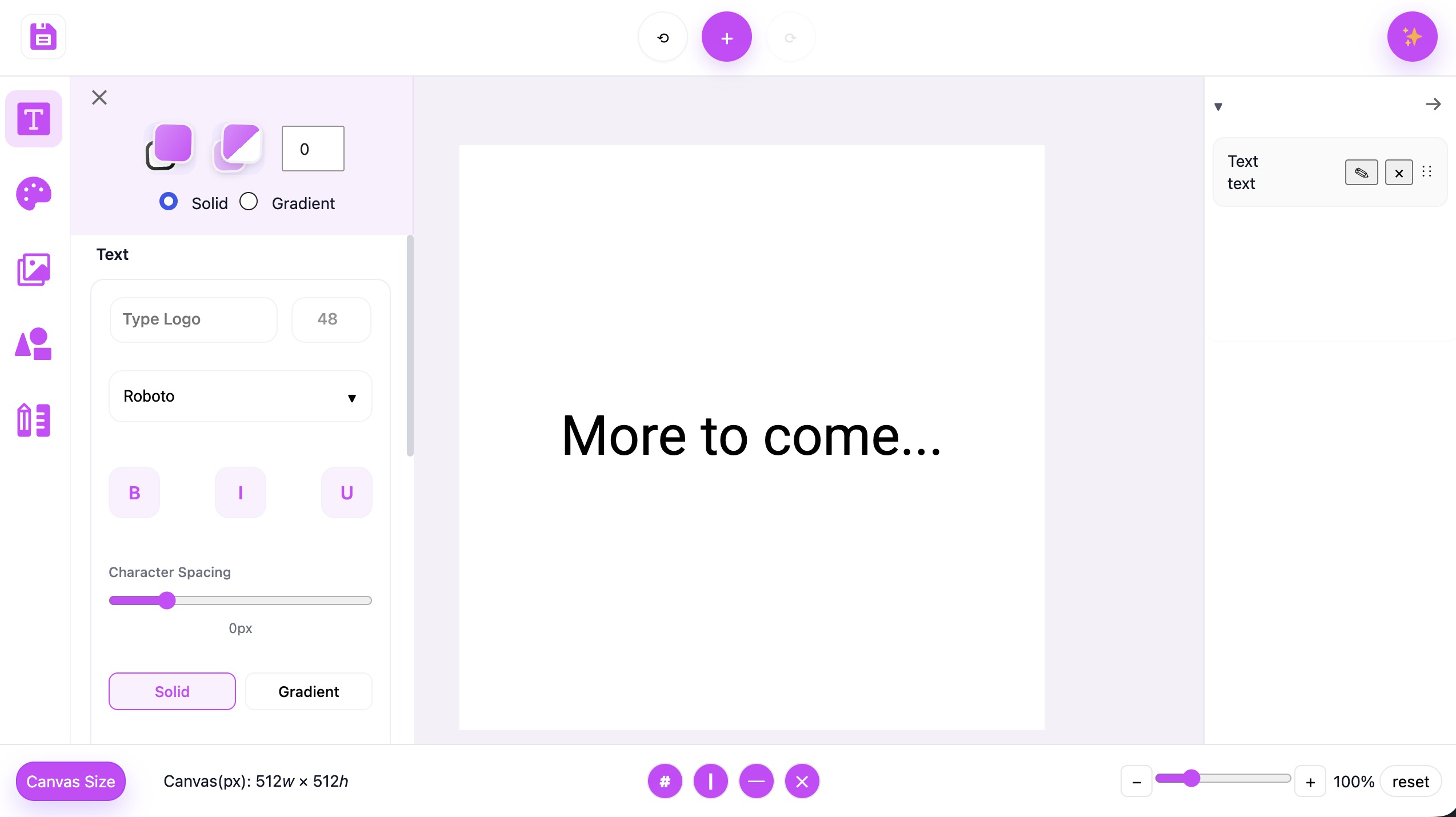
Fully editable Text blocks with the full Google Font library. Make it Bold, italic, underlined, skewed, colorful, big, small.... you get the idea!
Shapes and more Shapes
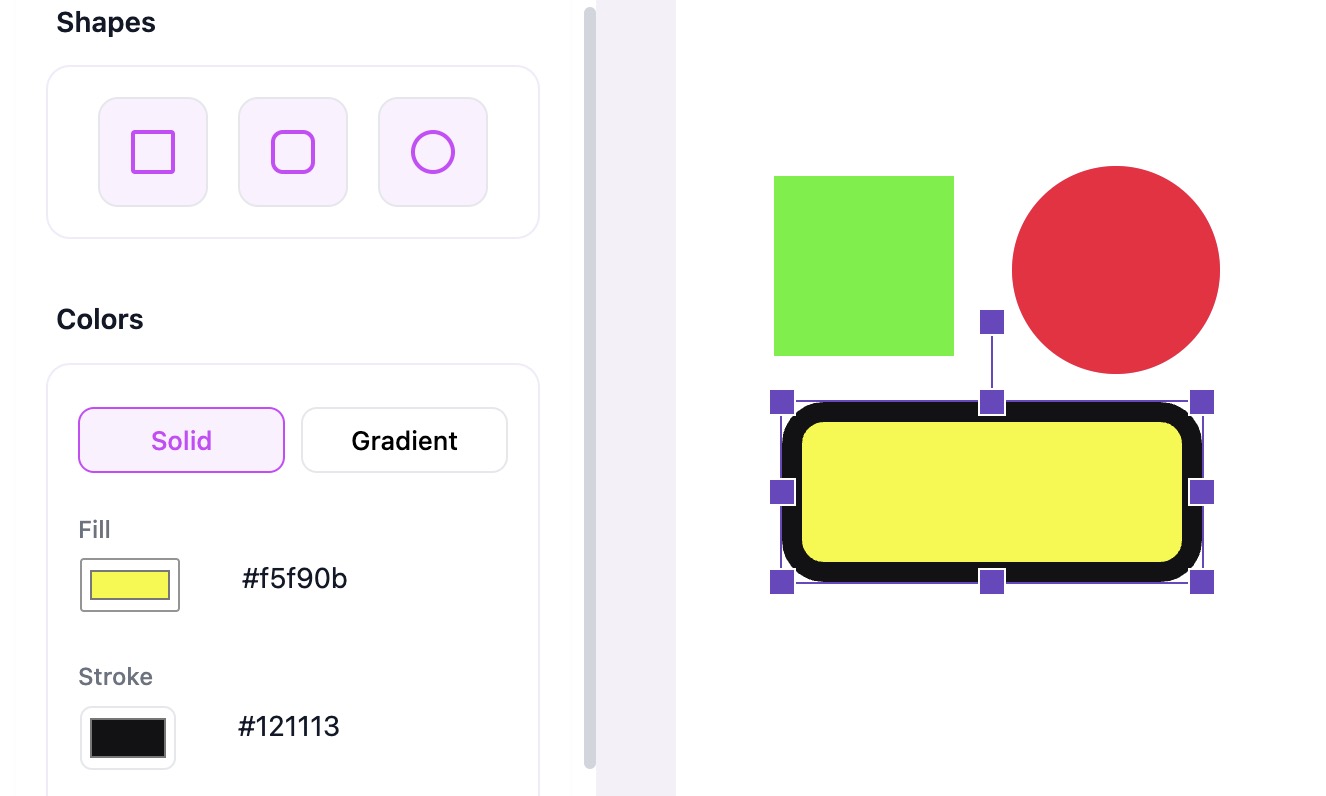
You can create super cool Shapes with all kinds of options for editing. This is where you can get really creative and make your styles sing. You can also use our multi point "Star" tool.
Our Super "Star" Tool
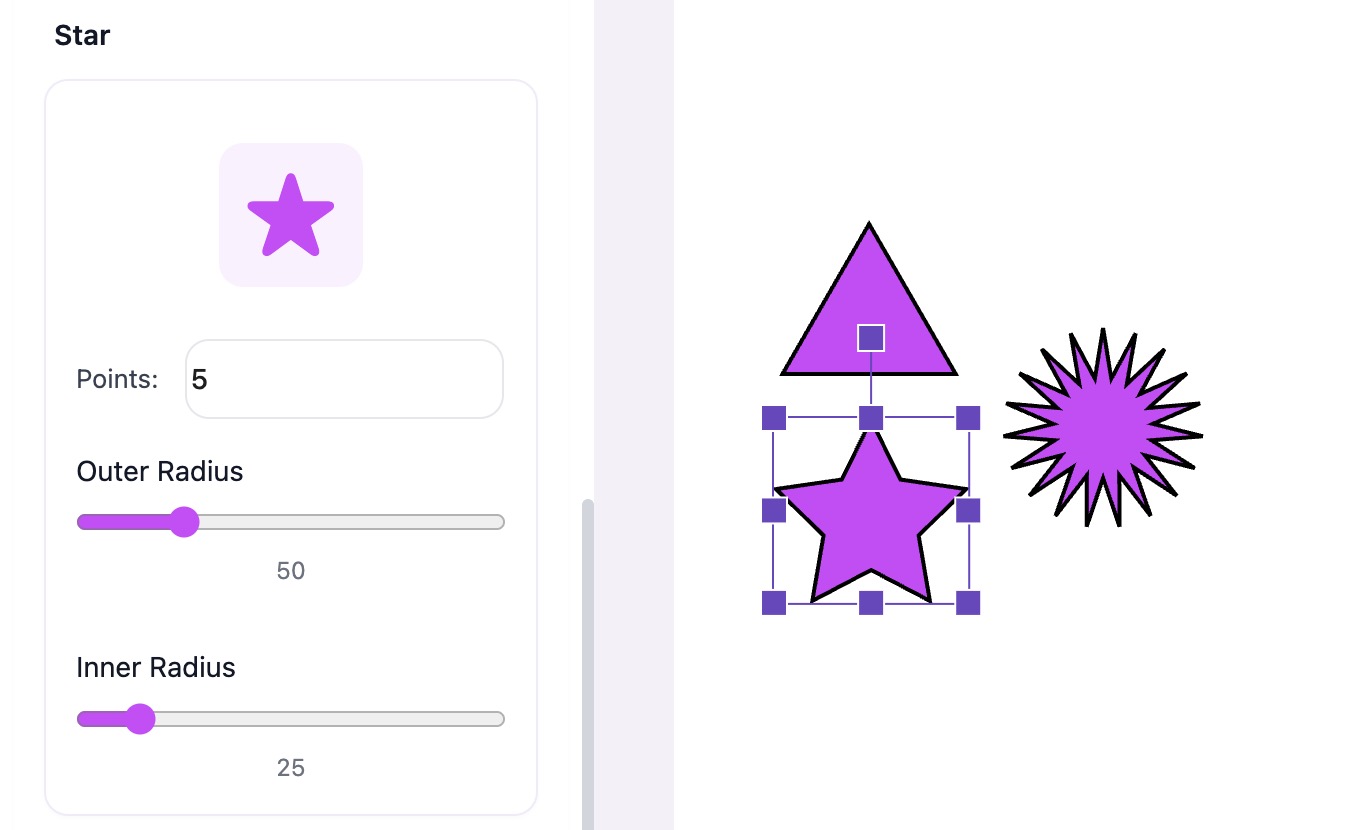
Need a simple 3 sided triangle? Or a bright gold Star? How about a 20 sided shape to make your Logo pop. Np we got you. Our Star tool is so versatile easy to use.
Lines and more Lines
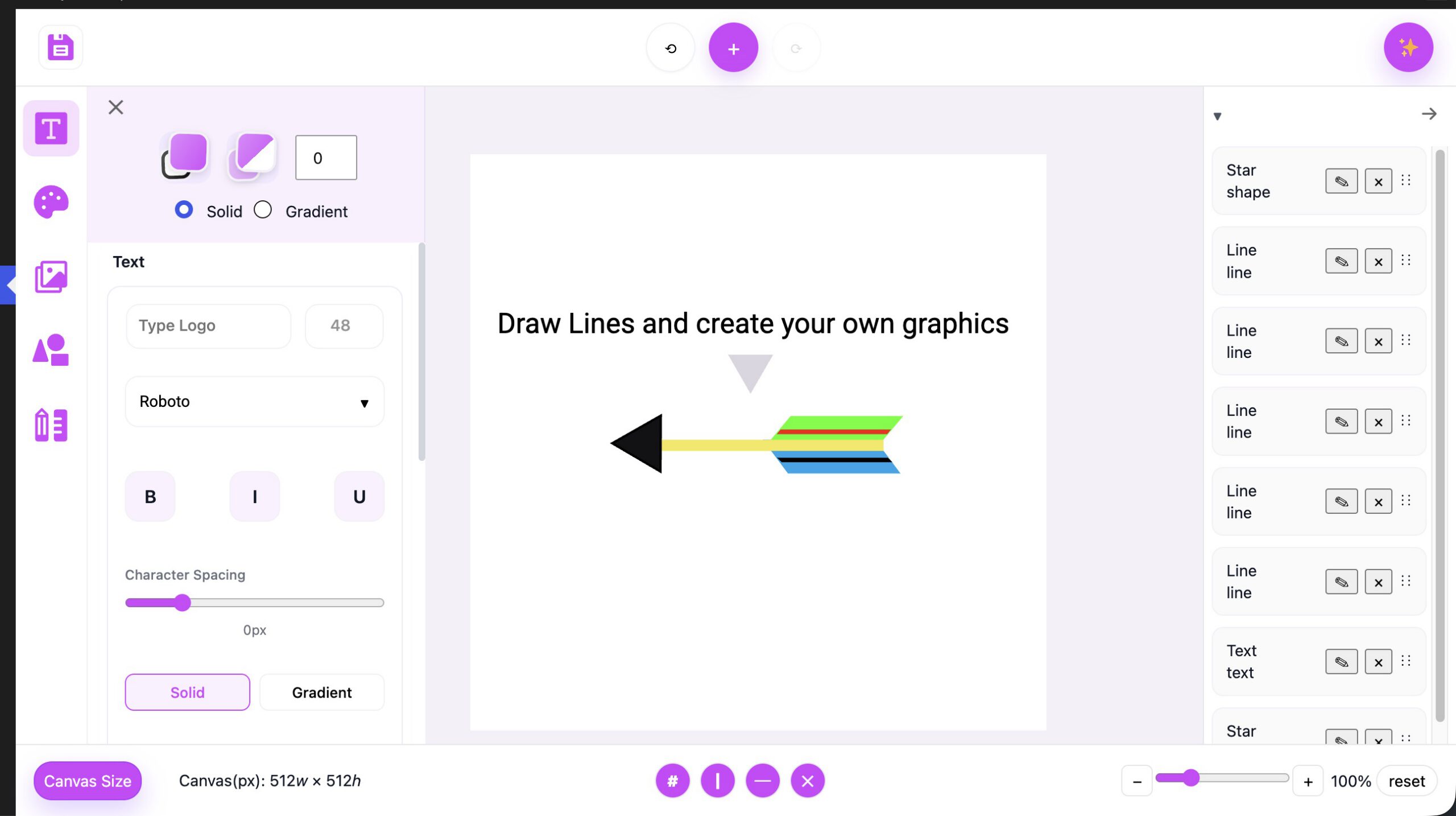
A thick line here and a thin line there... change a few colors and you will be amazed what you can make with such a simple tool.
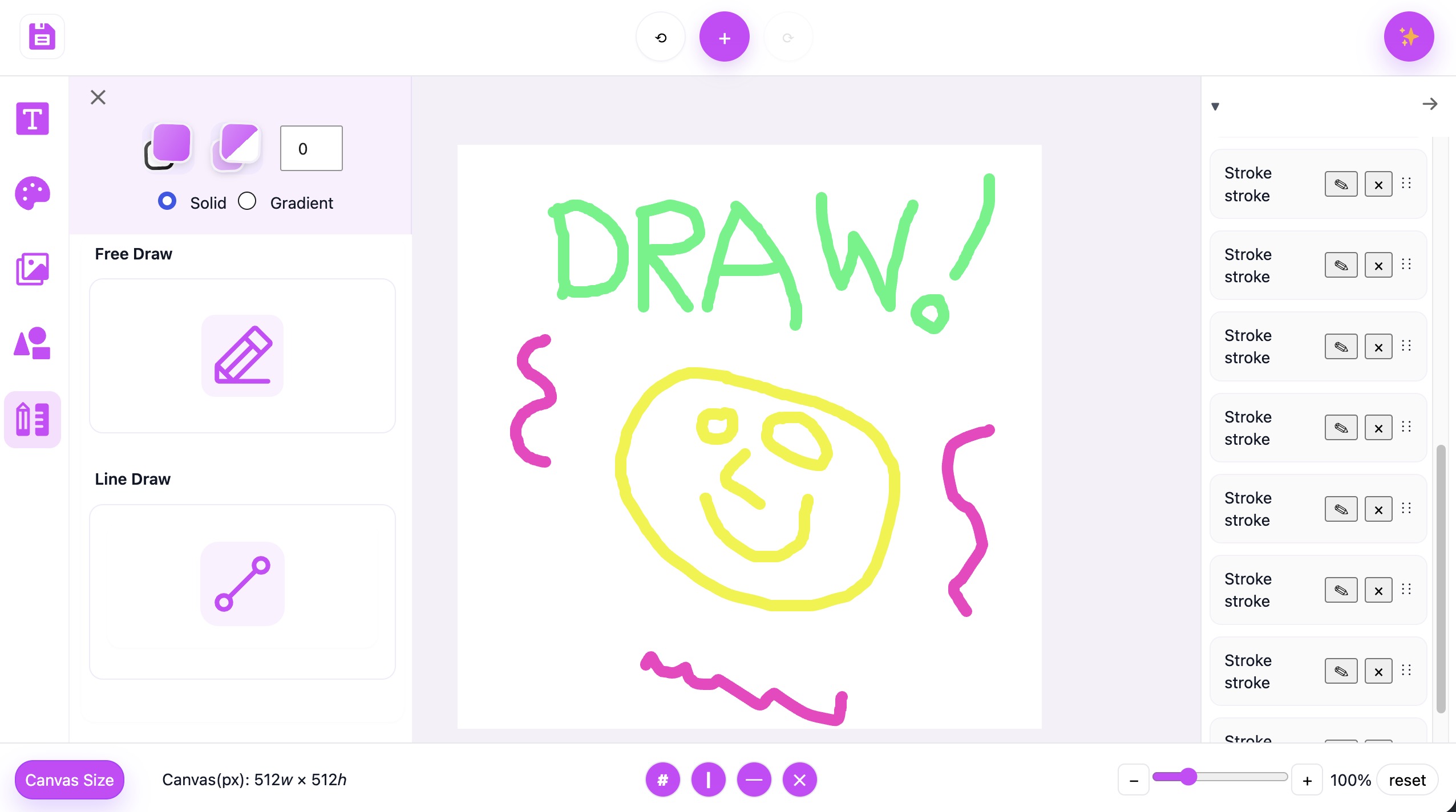
Free Draw Tool
Unlike my attempt at drawing below, I have been amazed by some of the things people have drawn with this simple tool. There is not much to it but you can do so much with it.
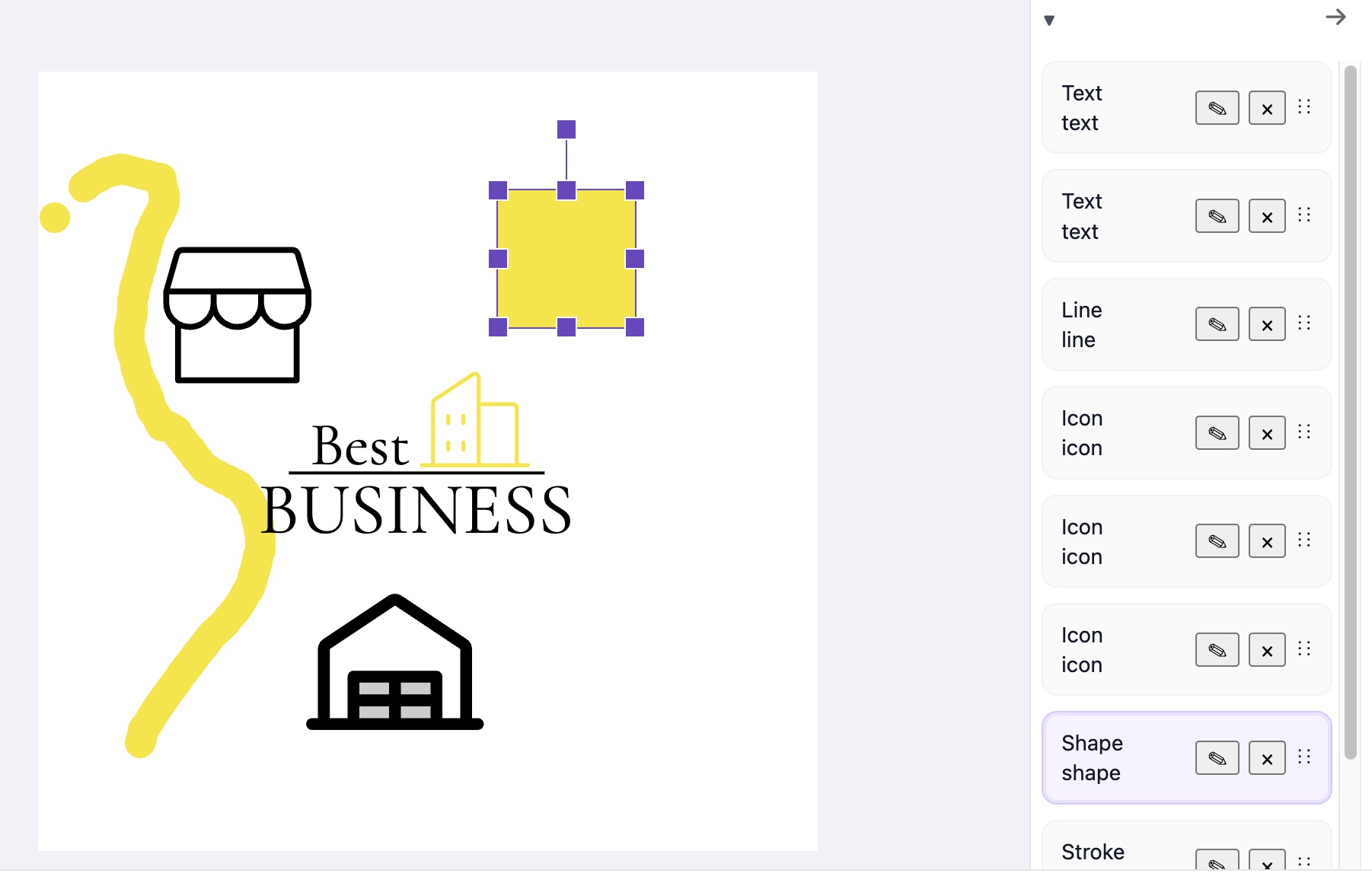
Layers for total control
Sometimes when you work on a project the canvas looks messy and out of control. Our LAYER system keeps you in total control.
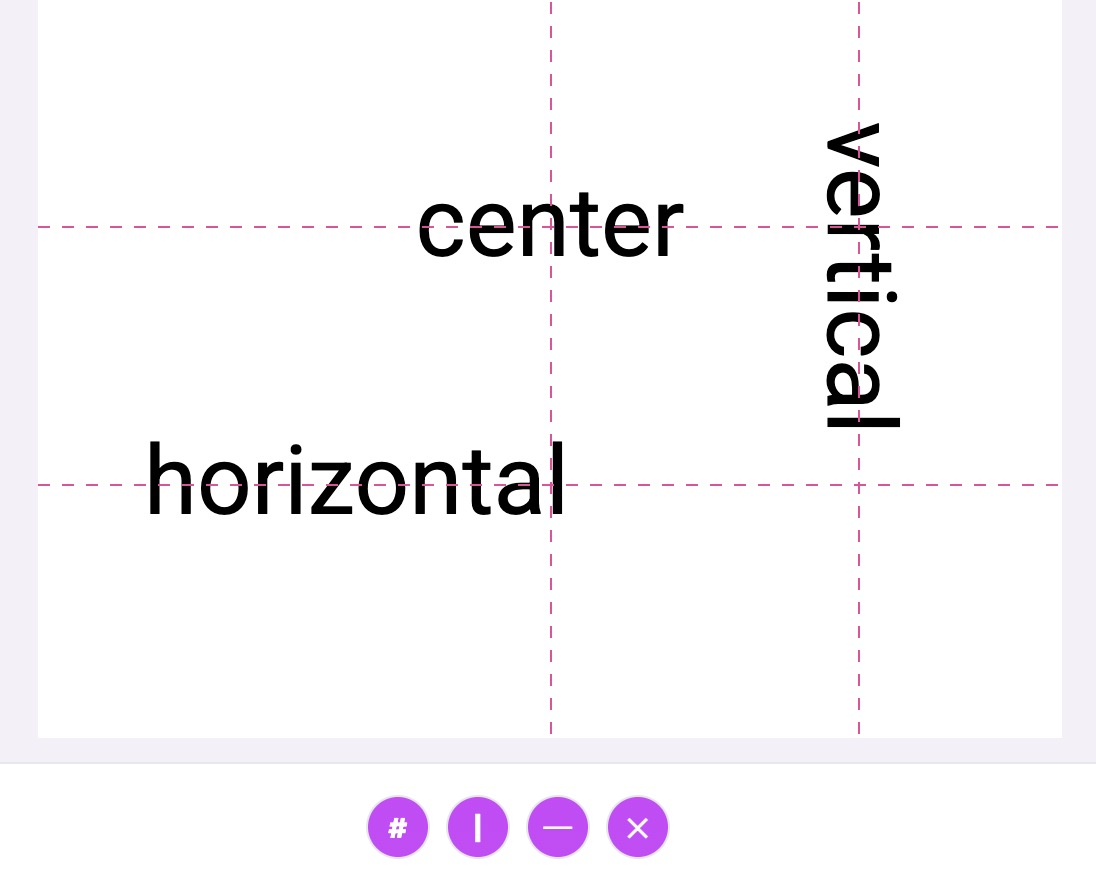
Guides with Snap
You can use either Center Guides to keep your work centered no matter the canvas size. You can also use single Horizontal or Vertical guides.
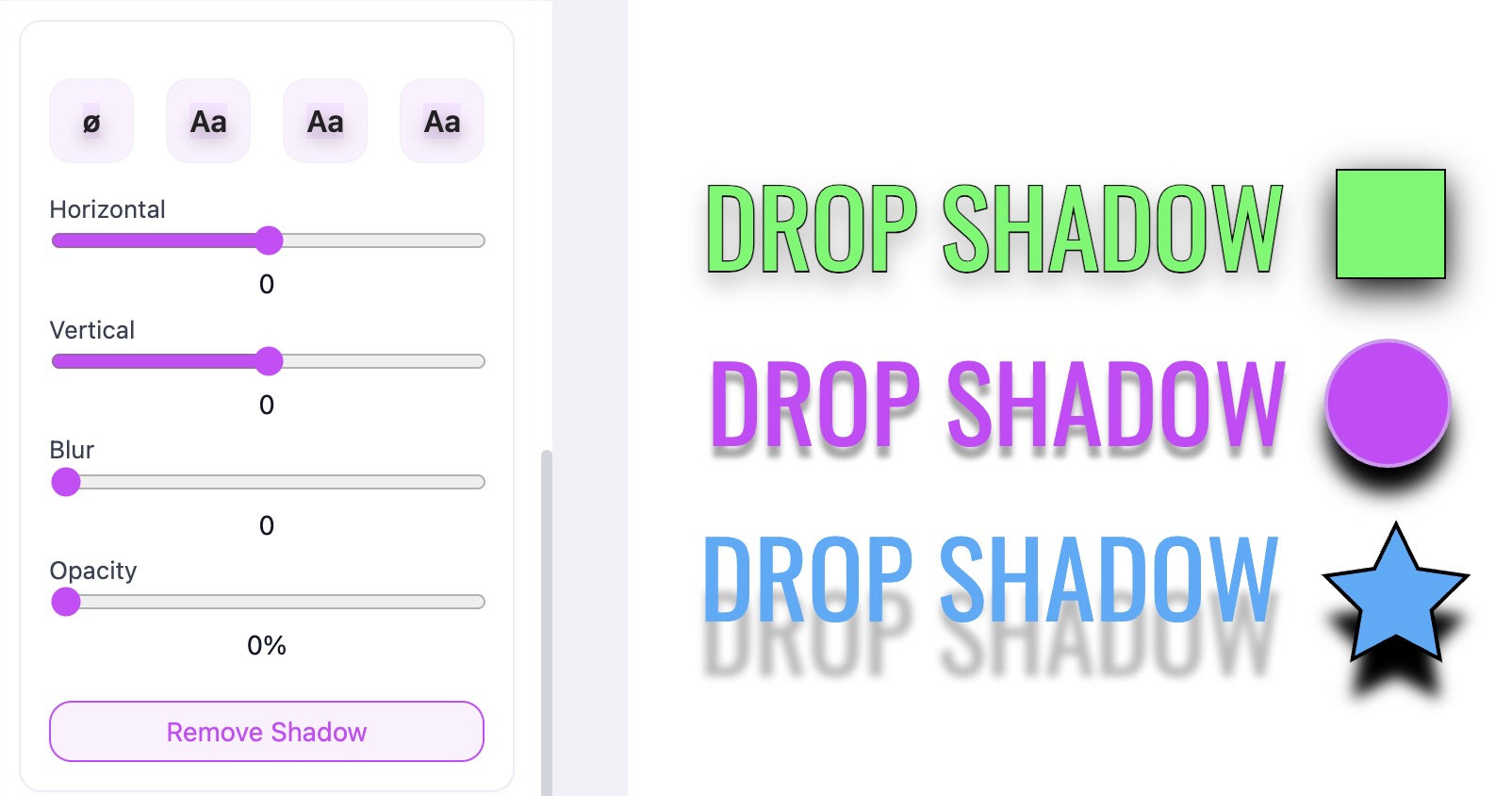
Drop Shadow
Use Drop Shadows with Presets or create them manually. You have all the tools you need to add a great affect to your Text or Shapes
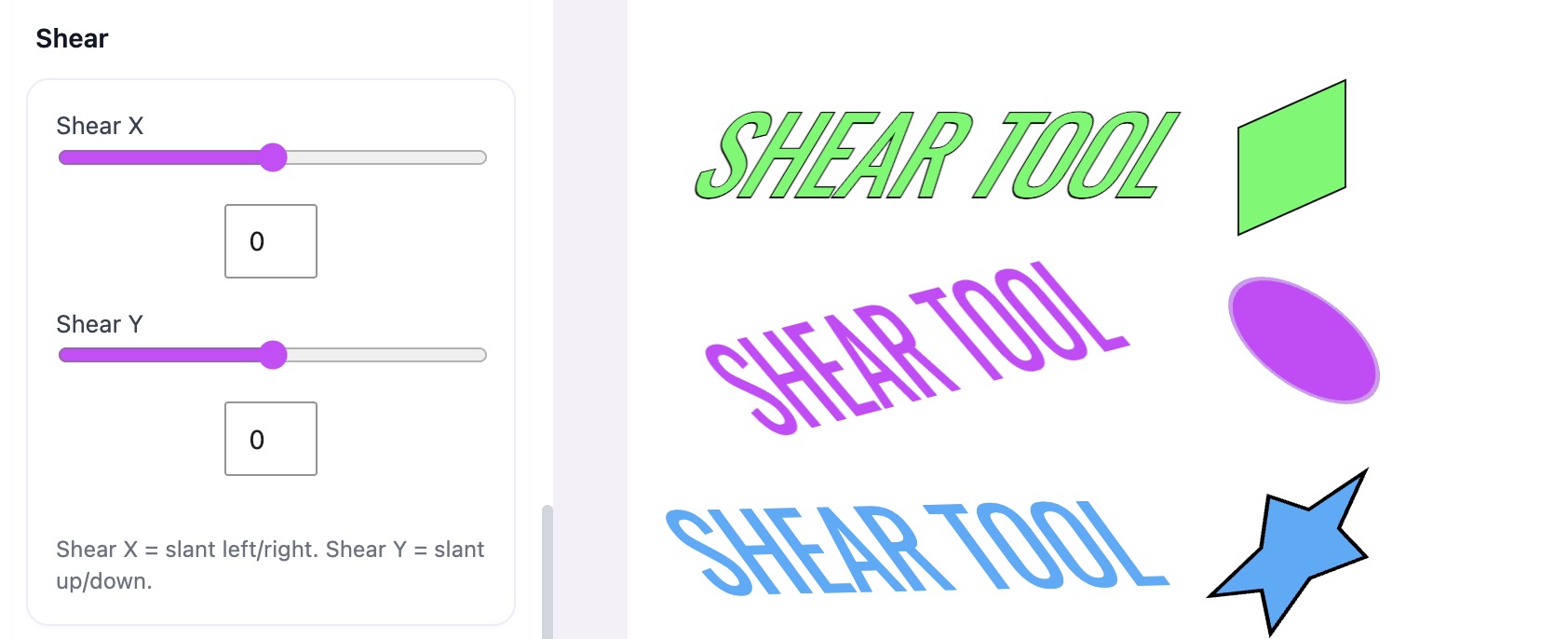
Shear
Another cool tool that works with Shapes, Text, Icons and Images. The samples show extremes but sometimes a little less goes far with Shear.
More to come
This is one of those projects that will never truly be finished. I work on it with every spare minute I get and I have so many ideas for the future. So stay tuned as there is always new ideas on the horizon for when we get out of Beta.
Logos and so much more
A Graphic Editor inside WordPress, WOW!